Math Channels
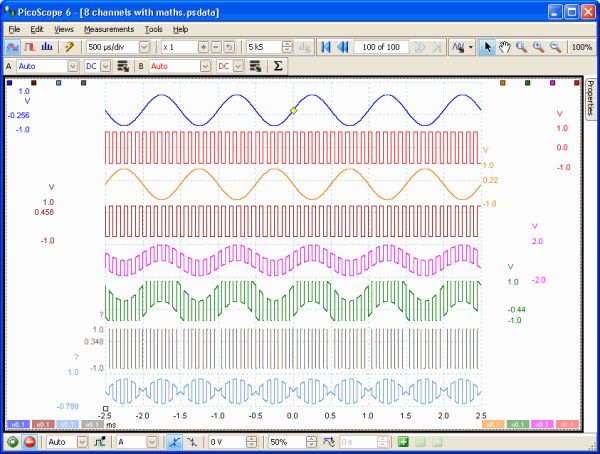
The integrated math functions of PicoScope 6 allow you to perform a variety of mathematical calculations on the input signals of your PicoScope oscilloscope. With the click of a button you can invert, add, subtract, multiply and divide channels, or create your own functions.
 View larger image View larger image
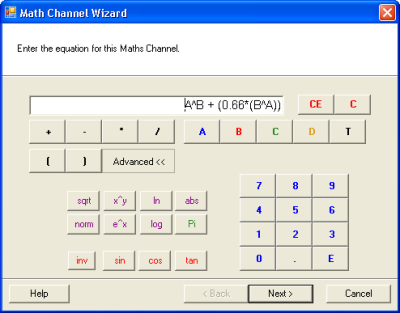
To add a math channel, just click a button and a wizard will guide you through the process. You can quickly select one of the built-in functions, such as inversion or addition, or create your own using the equation editor. All the standard arithmetic, exponential and trigonometric functions are supported. You can control the entire process using either your mouse or keyboard.
With PicoScope math channels you can display up to eight real or calculated channels in each scope view. If you run out of space, just open another scope view and add more.
See how you can use math channels to do mains power analysis
Automated measurements >
|